
Integrations & synchronized memory
- · Logging into OpenHuman is like unlocking the house—connecting Gmail/Slack is like giving a separate key to each room.
- · After you approve a connector, the app pulls updates on a ~20 minute rhythm; the first pass is when answers start feeling “real.”
- · If a reply feels empty right after linking mail, wait one cycle before blaming the AI model.
Heads-up for first-timers
Grab coffee or check email elsewhere for about twenty minutes after your first connector finishes setup. Asking “what did I miss?” ten seconds later often returns thin answers—that is usually timing, not a broken install.
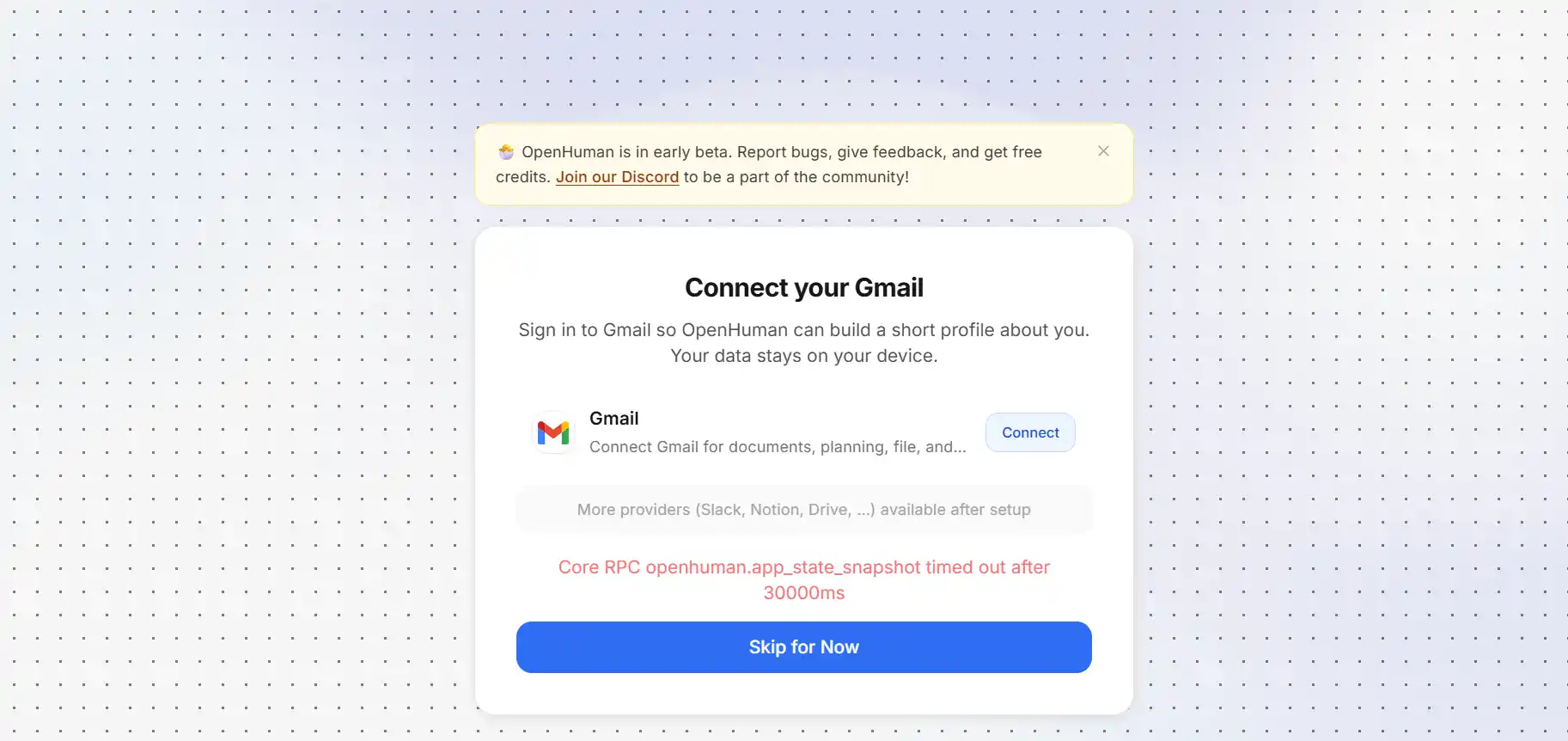
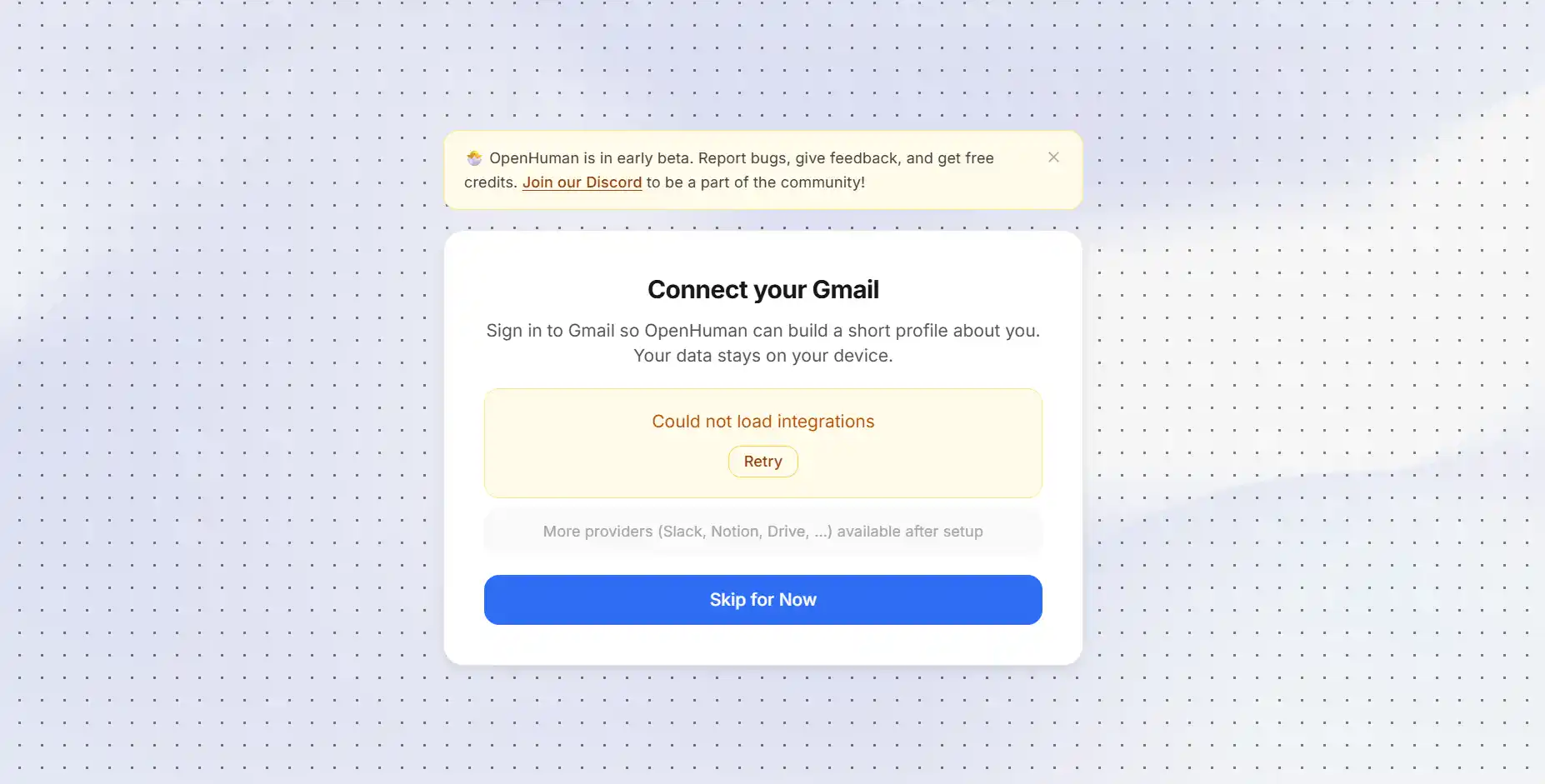
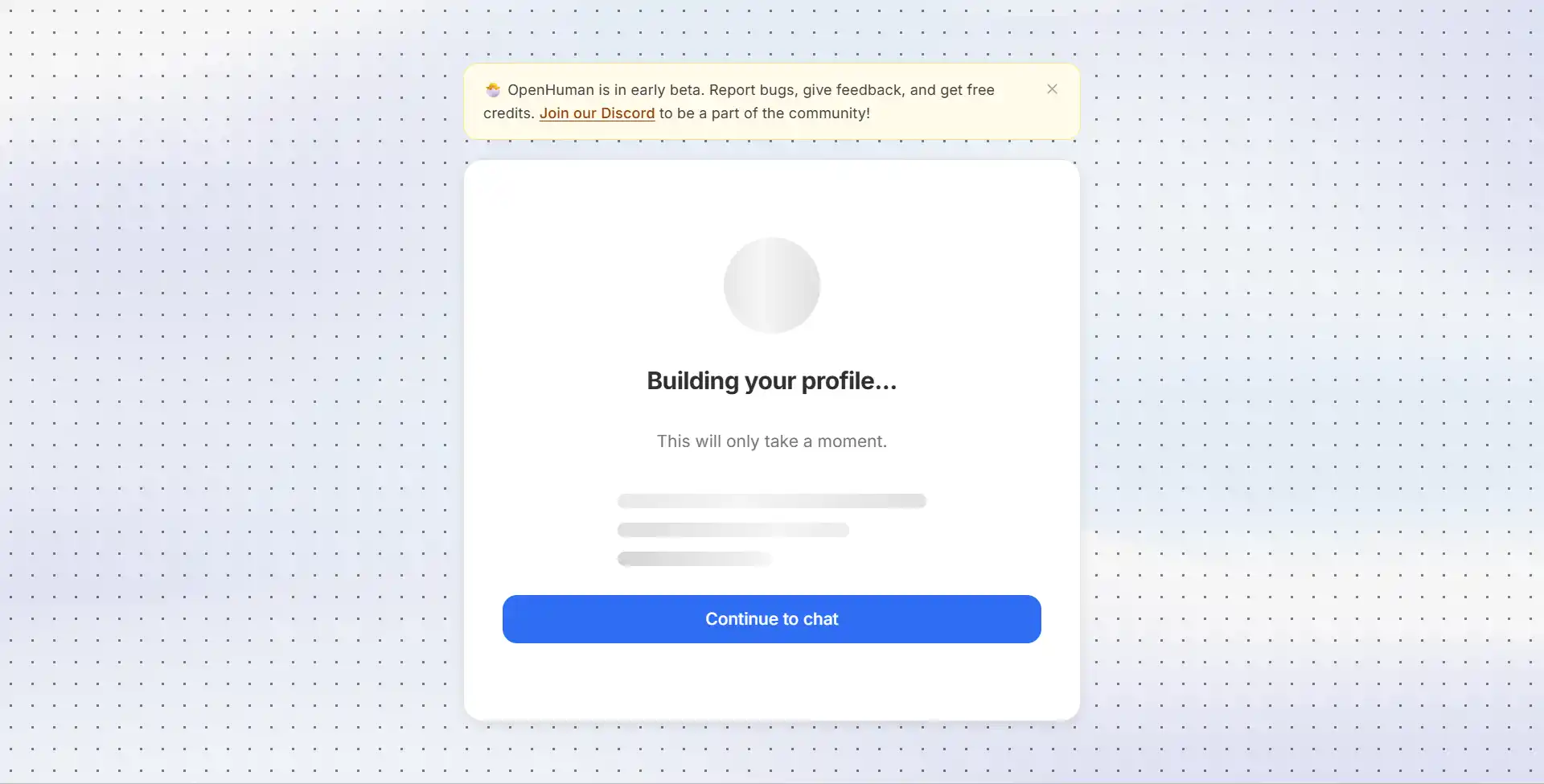
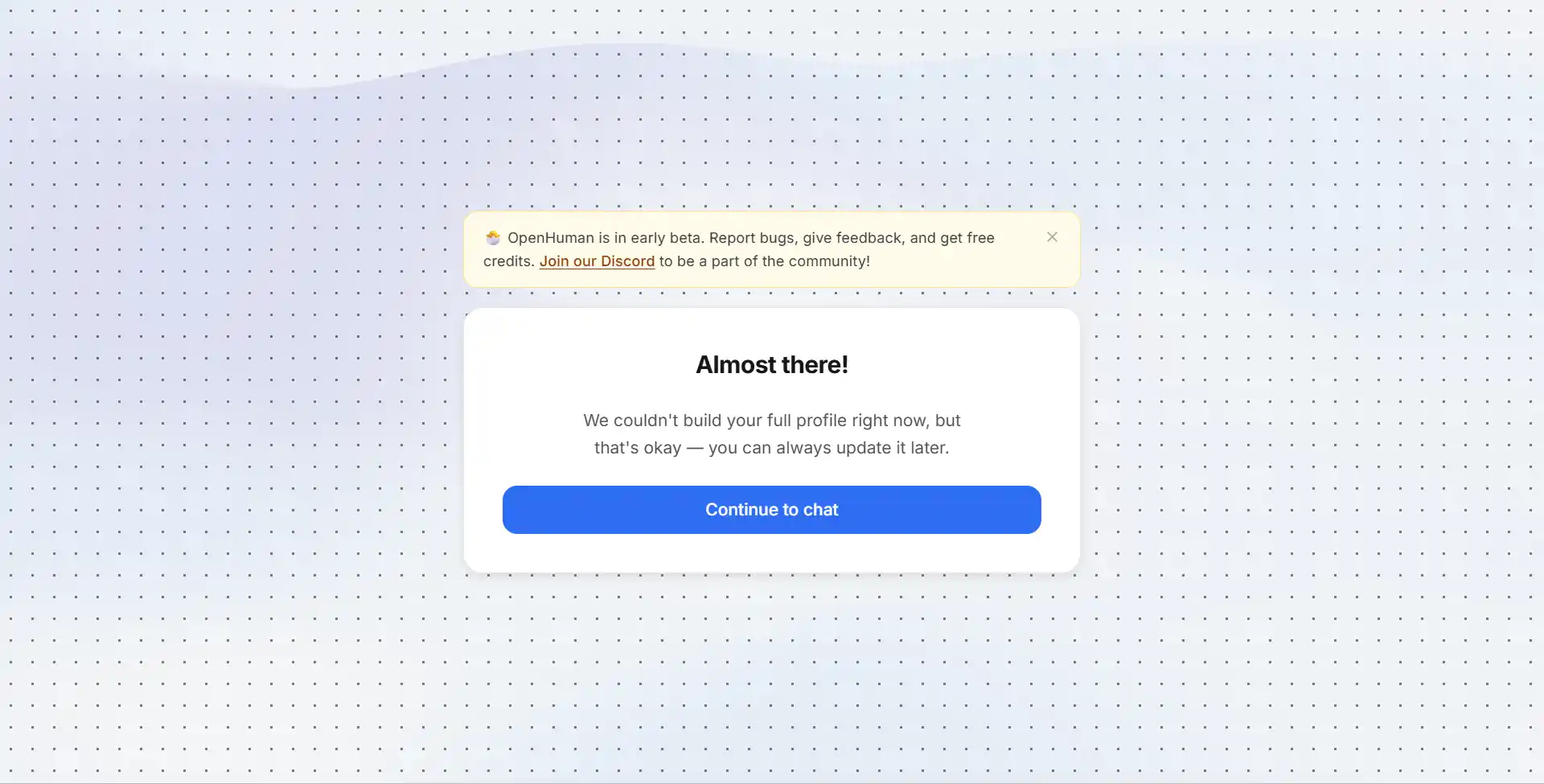
Example wizard · Gmail
Labeling differs by release—these screenshots show the rough order: approve the connector prompt, finish the vendor sign-in browser flow, wait while the desktop shows progress, then you land on the workspace.
1 · What "connecting an app" means
Marketing lists lots of integrations. Each one pops a familiar browser login (Google, Slack, etc.) granting what OpenHuman may read—you stay in charge and can revoke scopes from vendor settings later.
2 · Product sign-in ≠ automatic Gmail
Using your OpenHuman account does not auto-grant mail or repos. Finish product sign-in, then add connectors when the UI asks. First launch explains the onboarding split if you bounced here early.
3 · Auto-fetch cadence (why waiting matters)
Schedulers crawl active connectors roughly every ~20 minutes. The first crawl is what turns raw mail/chat into summarized chunks your prompts read.
Force a refresh from inside the shipped UI if your build exposes it; otherwise patience beats random model swaps.
Technical note: upstream “TokenJuice” preprocessing
README references automated cleanup (TokenJuice) that shrinks noisy HTML/email into lean Markdown before model calls—you don't tune it manually; summarization pipelines run beforehand to keep costs predictable.