
Install OpenHuman on Windows
- · Most folks should download the .exe—only use PowerShell if your IT workflow requires scripted installs.
- · Read each script hosted on GitHub before piping it—it can change upstream between releases.
- · After install succeeds, jump to First launch before connecting Gmail or Slack.
Full download + README commands: Start here. This page adds Windows-specific notes only.
You'll:
- Download the Windows installer from TinyHumans.
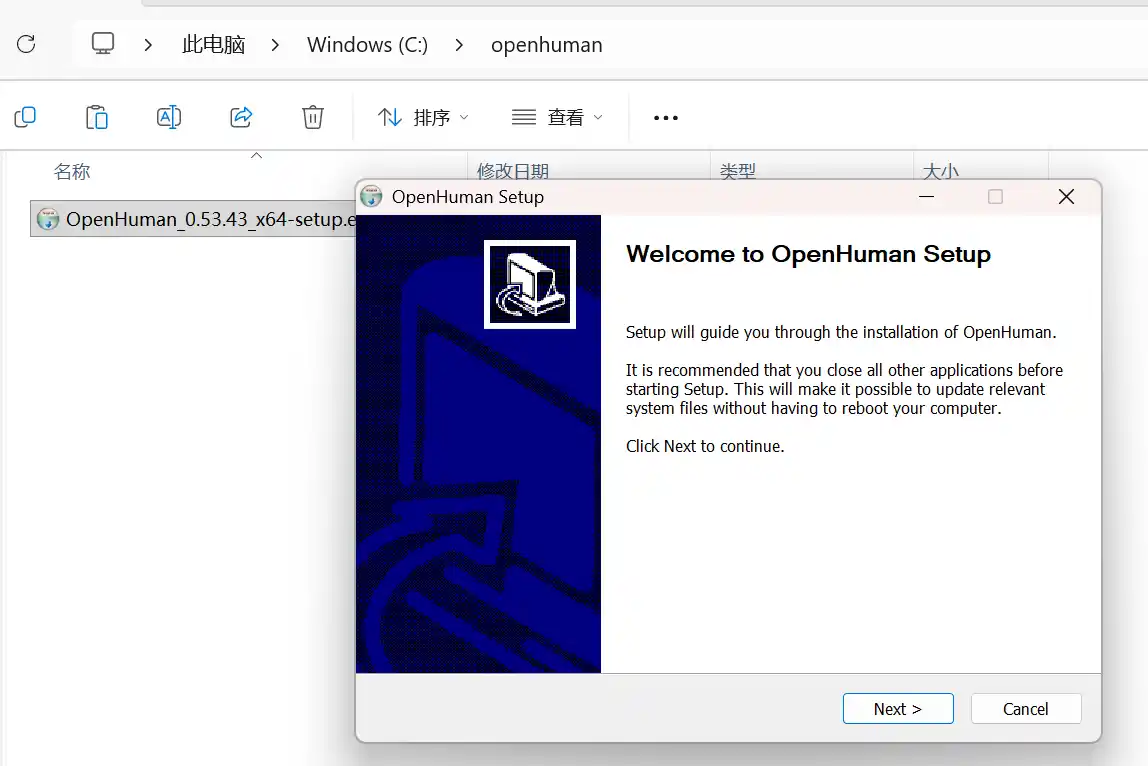
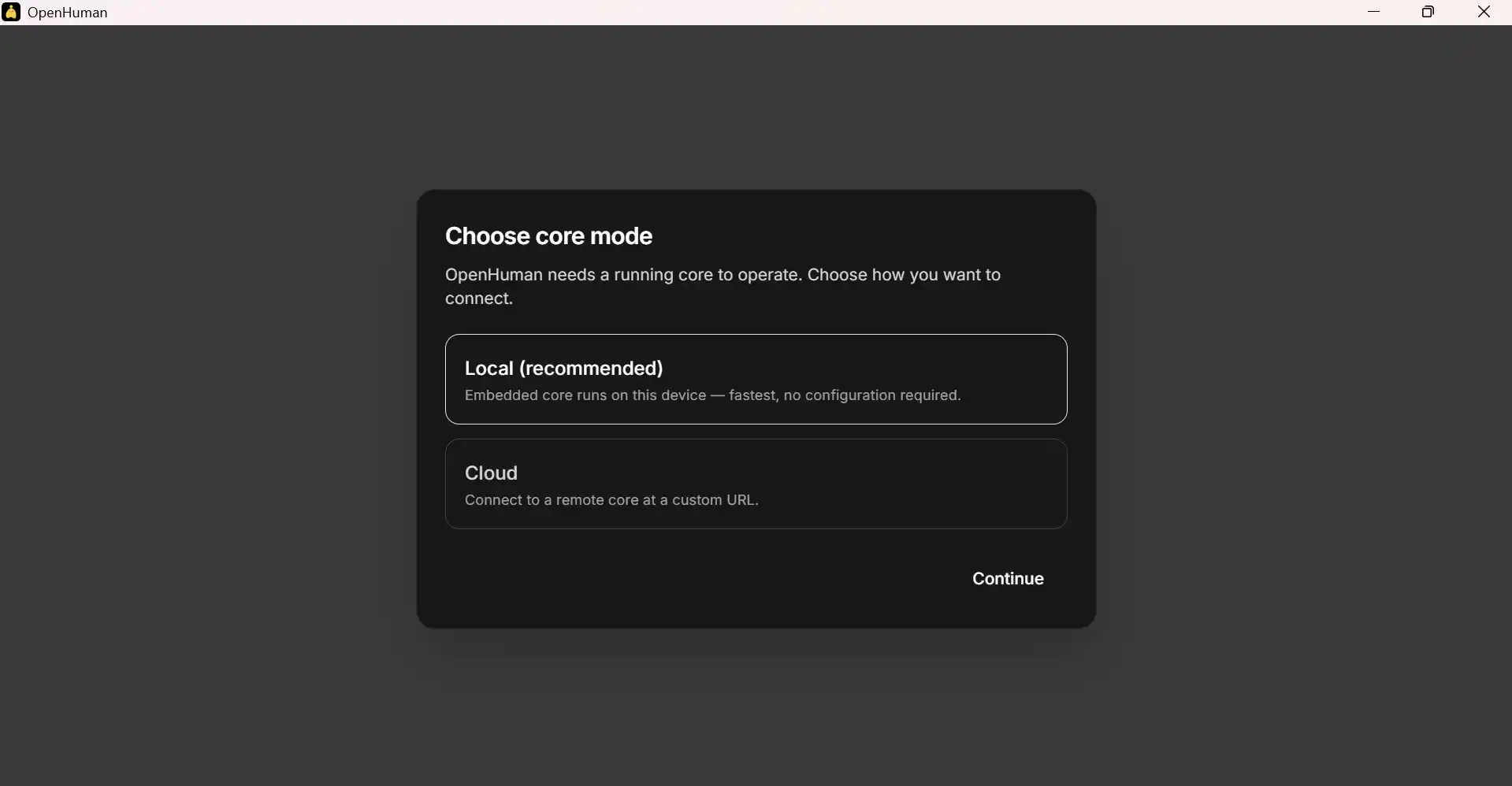
- Run the .exe and step through the wizard (see screenshots below).
- Open OpenHuman from the Start menu once setup finishes.
1 · GUI installer
Grab the build from tinyhumans.ai/openhuman ↗. Example wizard screens (beta build—labels may vary slightly by release):
2 · PowerShell one-liner
TinyHumans documents this snippet verbatim inside the README (also copied on Start here):
irm https://raw.githubusercontent.com/tinyhumansai/openhuman/main/scripts/install.ps1 | iex- Open the raw script first: verify the URL hostname is GitHub and the path sits under scripts/install.ps1.
- Execution policy blocks are normal corporate lockdowns — fix with whatever policy your administrator allows rather than weakening defenses blindly.
- If SmartScreen flags the download, verify publisher info before continuing.
3 · After files land
Launch OpenHuman once. If Windows prompts for microphone or camera access later, that only matters when you enable voice or meeting features.
Next page: First launch checklist.